Fence Buying Guides by Product and Application
Use the Relia buying-guide directory when you already know what your team is buying or replacing. Pick one of six groups by product or component, then open the page that covers the actual selection, fitting or order check. Each route leads from the listed candidates to the information you need for a quotation.
- For a known product
- Open one of the six product and procurement groups
- For a known site
- Start with the application routes and carry the selected scope into a guide
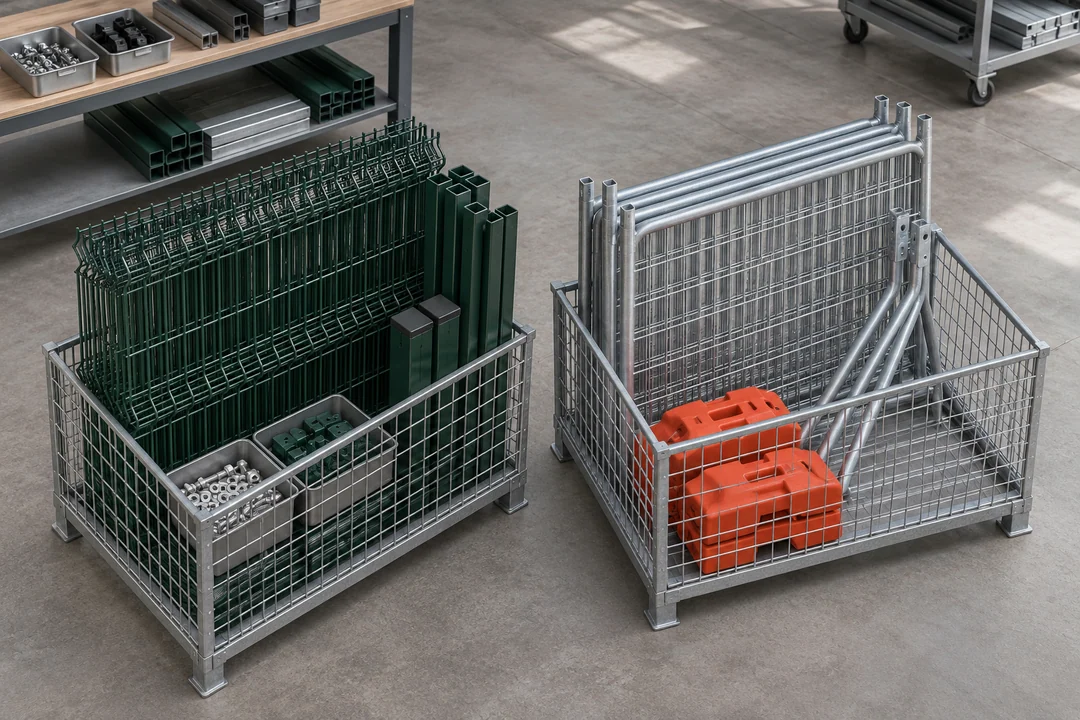
Choose a starting point
Use these links to move directly to a group. If you are still deciding which system suits the site, start with the application routes. Relia groups the guides by what buyers need to specify, compare or replace within the order.
Move from a known requirement to a buying example. If you have an opening and the desired wire sequence, start with the twin-wire panel comparison. A measured retained clamp leads to the replacement post fit guide. Once you have the item and drawing, use the request-for-quote checklist to complete the purchase line.
- Factory and project procurementMixed orders and planned site stages.
- Temporary fencing and crowd barriersKits, replacement panels, venue barriers and storage.
- Chain-link and welded meshWire, coatings, privacy and permanent panel choices.
- Fence styles, posts and coatingsFormed profiles, bases, finishes and replacement fit.
- Grating and gabionsBearing direction, trenches, basket mesh and stone.
- Solar, livestock and equipmentSolar openings, farm assemblies and enclosure sheet.
- Start with a project
- Choose the application if you are still defining the boundary or access layout.
- Start with a product
- Use the relevant family below to learn which dimensions matter before comparing models.
- Ready to quote
- Use the purchased part, site schedule or approved drawing as the basis of your request.
Three ways to use the guide directory
The best starting point depends on what you have in hand. A named product, a worn part or a site drawing each leads to a different kind of buying guide.
Browse the six guide groups- A product nameOpen its group and check the dimensions and hardware on the listed candidates.
- A retained partUse the relevant replacement guide and bring a measured sample, cross-section or connecting part.
- A site planOpen the site application routes and choose the product guide after defining runs and access.
Mixed factory orders and project phases
Use the factory guide for actual panels, posts and fittings on a single supply schedule. Use phased procurement where construction and handover have separate orders. Record the phase or bundle reference before combining any mixed items into a purchase schedule.
Temporary panels, event barriers and racks
Start with the frame style, assembled support and the job the panel will perform. The individual guides separate 2.1 m kits, matched Canadian parts, 6 ft framed mesh, barriers and stillages. Choose the panel, barrier or rack page using the fitted or stored orientation of the equipment.
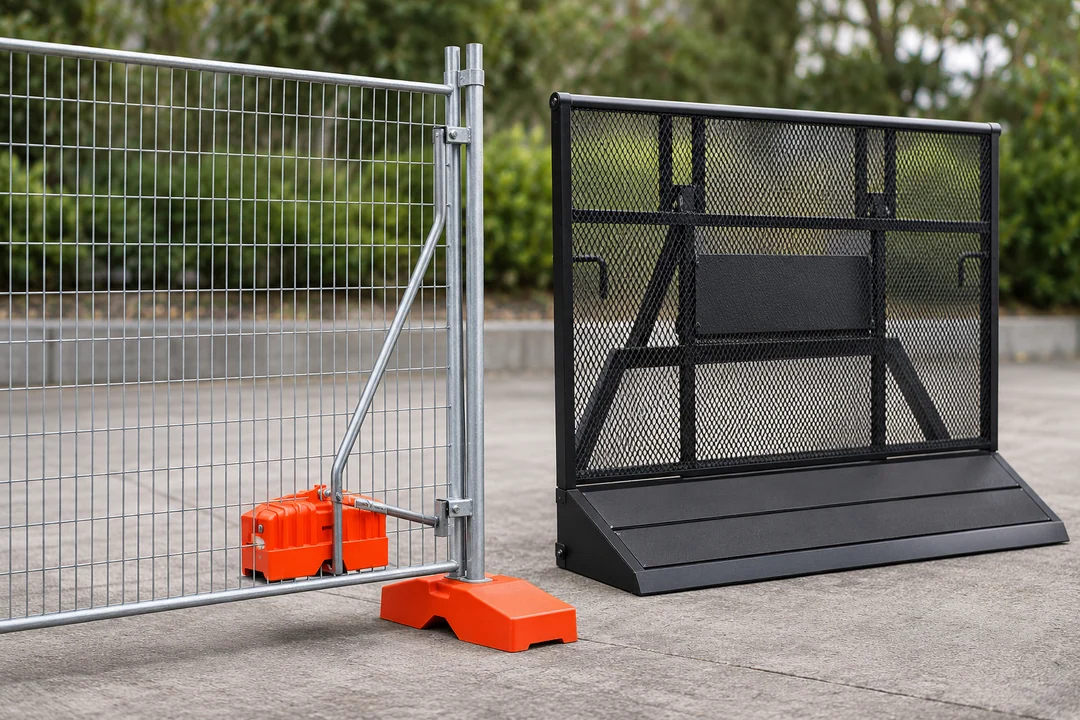
Chain-link and rigid mesh decisions
Compare rolled fabric, screening, V-bend, 358 and twin-wire panels. The guides use actual catalogue aperture and wire options and the post or clamp detail needed for a quote. Use the mesh direction, fitting or attachment choice to pick the relevant rigid or roll guide.
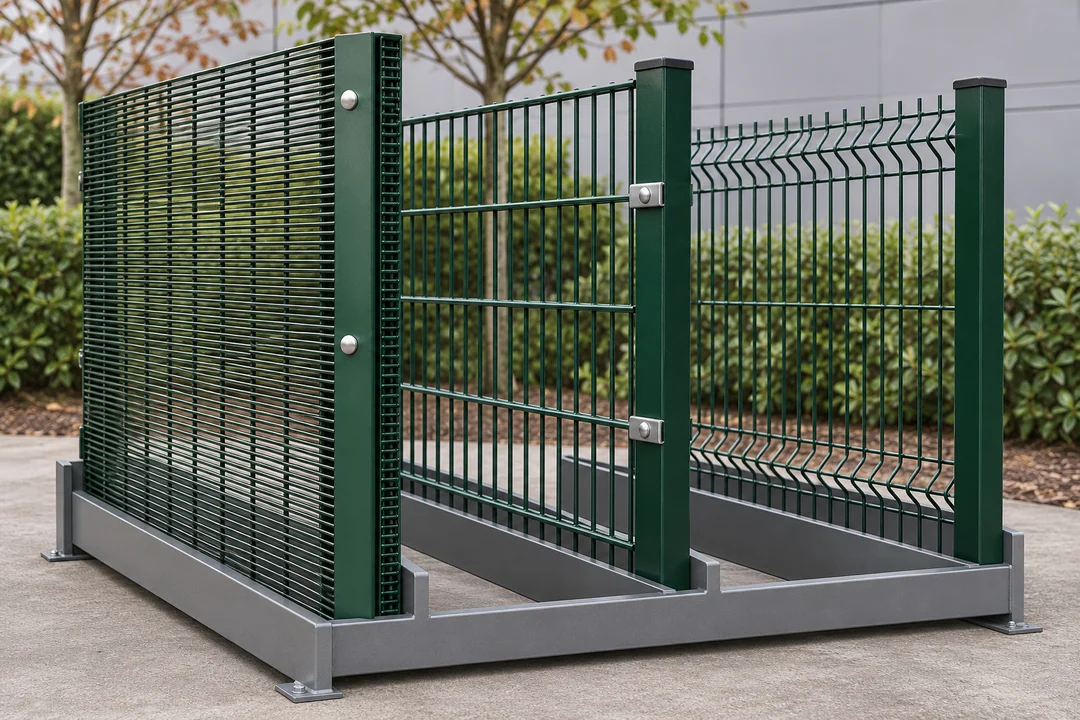
Fence profiles, posts and coating choices
Choose a dedicated page for rolled edges, palisade, black pickets, coastal coating, new mounts and retained post matching. Compare the dimensions that control the actual fit. Choose the surface, post or extension guide separately when it carries its own approval requirements.
Grating loads, drain fit and basket geometry
The individual guides separate walkway loading, vehicle crossings and retained wash-bay frames. Gabion pages cover riverbank design inputs and visible landscape grid choices. Choose the relevant grating or basket page using the span, fitted frame or assembled stone face.
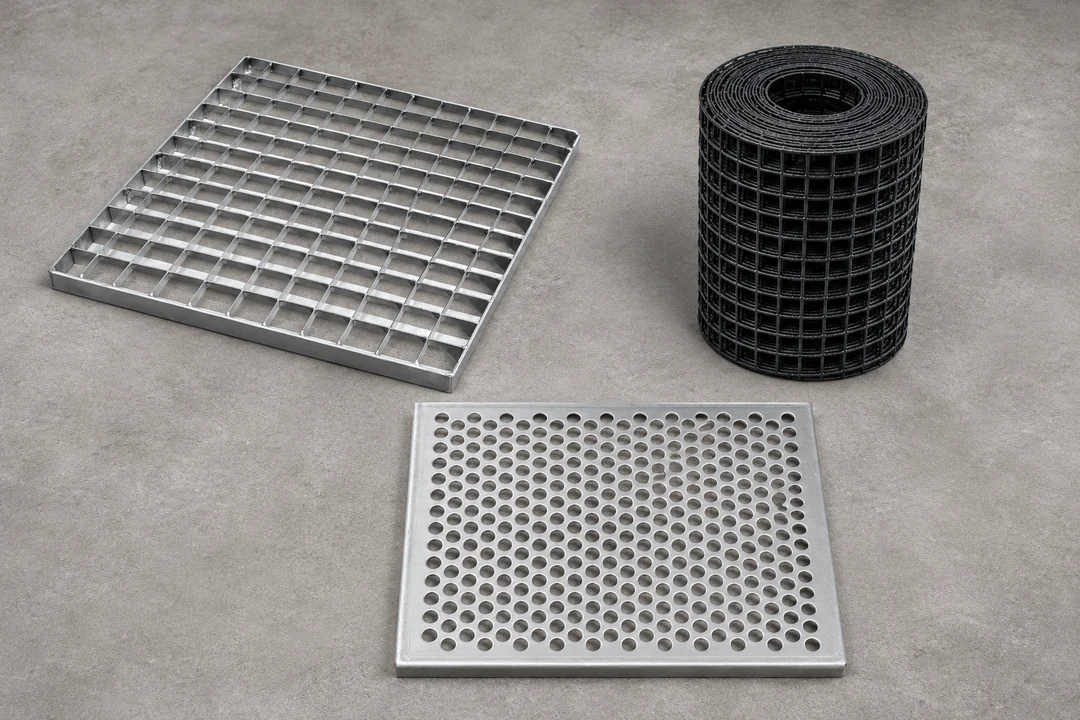
Solar, farm and equipment details
Compare rooftop mesh and fitted clips, long solar perimeters, livestock mesh and corral panels, or a made-to-drawing cabinet vent screen. Keep the intended mounting or cabinet detail beside the selected solar, farm or opening guide.
Continue with a site plan or drawing
If you are choosing by site, open the application routes. Once you know the product, use the quote checklist and send the relevant drawing and quantities.
Open the guide that matches your scope, then send the relevant drawing, sample details, quantities and delivery location through the quote request.
- Find a guideStart with the site or the part
Use the application pages if the layout is still open. Use a guide group once you know the panel, mesh, post, grating or basket family.
- Check the evidenceUse the guide to identify the dimension that decides fit
Open a model record when a guide names a candidate. Check its selected variant and which parts the assembly needs.
- Prepare an enquirySend the guide and the facts for your order
Include the approved drawing or a measured retained part, quantity and delivery location in the same enquiry.
- Project
- Location, use and delivery
- Measurements
- Units, geometry and finish
- Quote
- Part list and required evidence
- If the site requirements come firstFencing by Site and ApplicationChoose from construction, facility, warehouse and landscape decisions.
- If you have selected a model or scopeHow to Request a Fence QuotePrepare the enquiry with the right dimensions, drawings and destination.